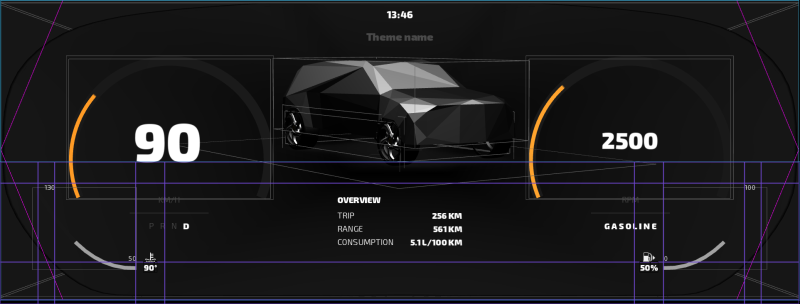
Application idle state Kanzi suspends the main loop when there is no input, tasks, timers, animations, or when there is nothing in the application that updates the rendering. See Application idle state.
Feature improvements
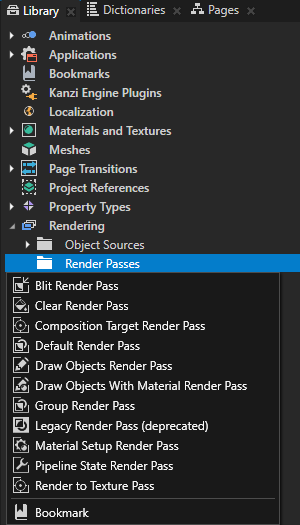
Renewed the render passes. The changes introduce improved rendering performance and render passes that are easier to use. Each of the new render passes provides specific functionality. Combine render passes to get the rendering result you want to achieve. You can now find the render passes in the Library > Rendering. See Rendering. These features are not supported by the new render passes in Kanzi3.6 and will be included in the future releases of Kanzi:
To achieve these rendering results in Kanzi3.6, except the cubemap render target textures, use the Legacy Render Pass (deprecated). In the minor releases of Kanzi3.6 this functionality is going to be included in the render passes.
You can now define namespace for a project to avoid custom property type conflicts when you use more than one Kanzi Studio project or kzb file in a single Kanzi application. See Setting and using namespaces for custom property types.
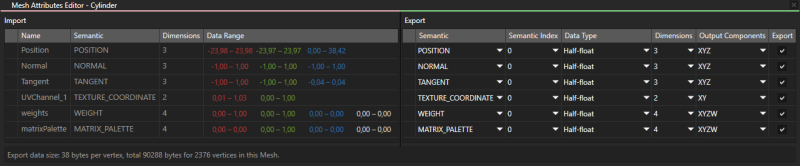
Use the new Mesh Attributes Editor to optimize the meshes in your application. See Optimizing meshes.
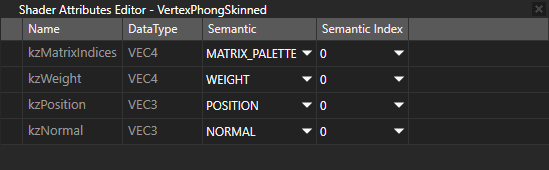
Use the new Shader Attributes Editor to view and edit the semantics of the shader attributes of a material type. See Shader attributes.
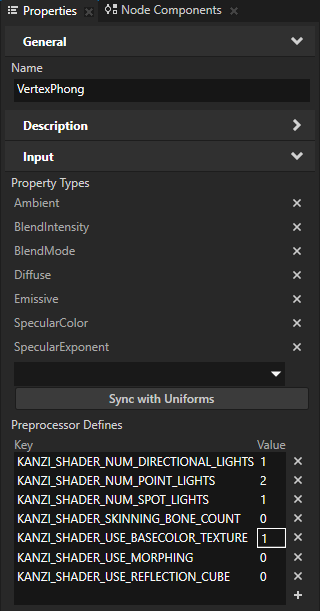
Updated all material types to include preprocessor defines. See Using material types.
You can now set the PNG compression level for the PNG images in your Kanzi Studio projects. See Using the PNG compression.
You can now set Kanzi Studio to remove the ICC profile from PNG files when you export a kzb file from your project. See Images and textures best practices.
You can now set the maximum number of resources processed by the loading threads. See MaxPendingResources.
All resources are now always in a deployed state. To undeploy a GPU resource, remove all shared_ptrs to the resource and use ResourceManager::purge.
Added TaskDispatcher API which enables you to send tasks to the Kanzi UI thread from other threads.
Added these base classes to the Object class, the functionality of which was in the Object class in the earlier versions of Kanzi:
PropertyObject is a base class for objects that support setting and retrieving objects.
MetaObject is a base class for objects that provide reflection.
Added enums for the new ES 3 formats for vertex attributes.
Added support for std/boostthread/mutex to allow use of standard thread class instead of KzsThread.
In Kanzi3.6 the library build dependency chain is:
core does not have dependencies
core.ui depends on core
ui depends on core and core.ui
js depends on core and core.ui
appfw depends on core and core.ui
Kanzi application depends on ui and js is optional
The reference SCons build scripts that come with Kanzi are adapted to the Kanzi Engine library changes.
You can how use 64-bit Linux computer as a floating license server for Kanzi Studio licenses. See Using a floating license.
User preference change when importing 3D assets. The workflow in Kanzi Studio changed so that you now need most of the time only the animation clips when you import 3D assets with animations. To reflect this change, in User Preferences the default setting for the Create animation clips for target objects when importing 3D assets is disabled.
Numerous usability improvements including:
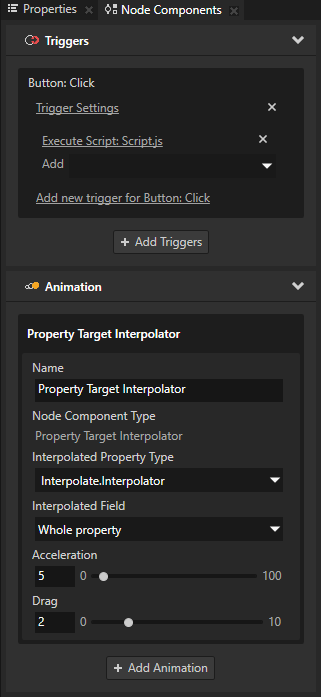
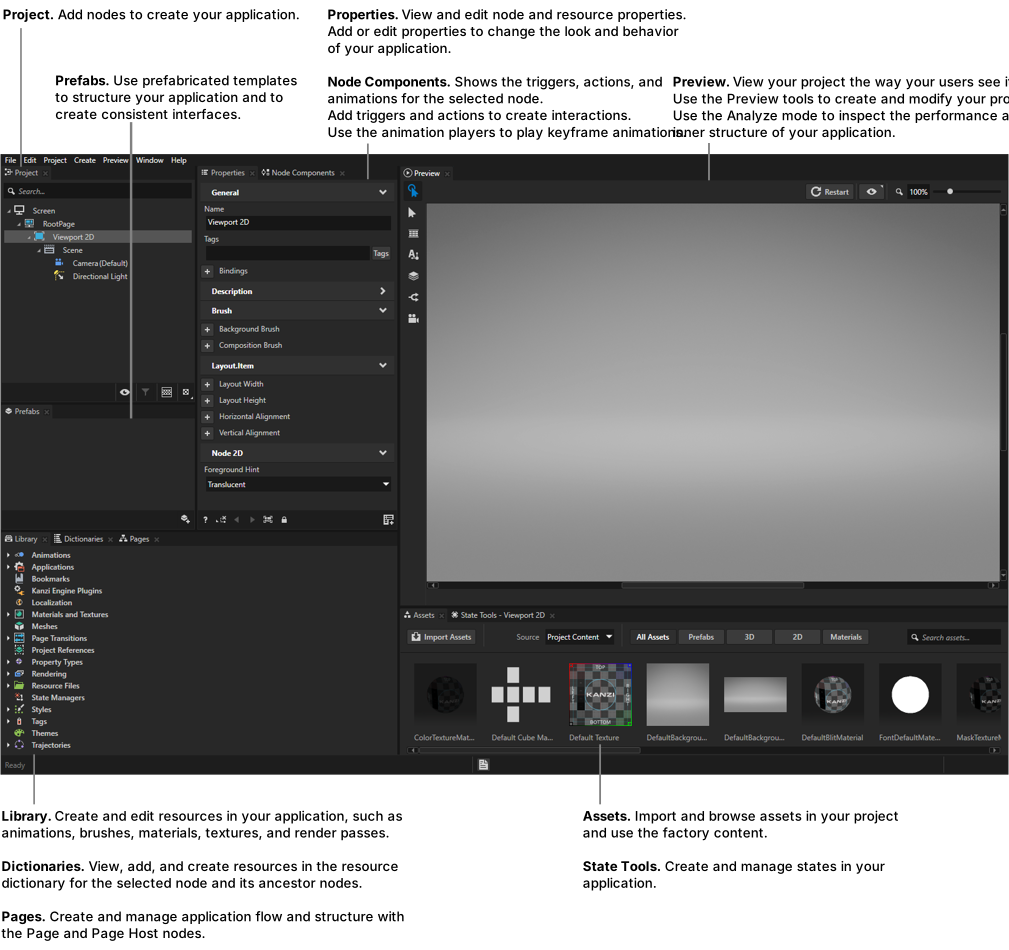
Triggers and Animations are now in the Node Components window.
Added colored icons for nodes and resources, which help you identify content faster.
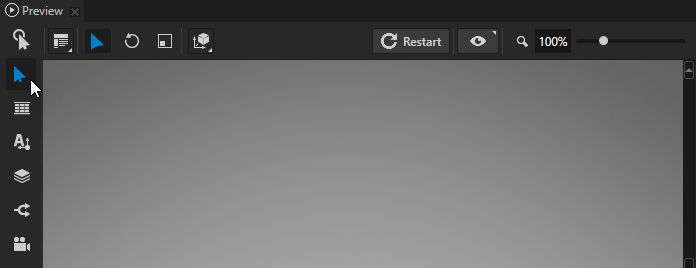
You can now access the Preview tools without separately entering the Edit mode. Just select the tool you want to use and you are good to go. See Editing your application in the Preview.
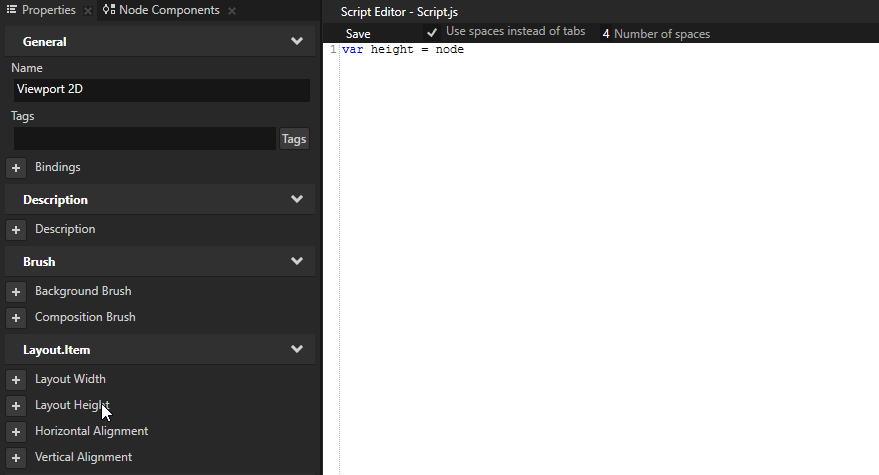
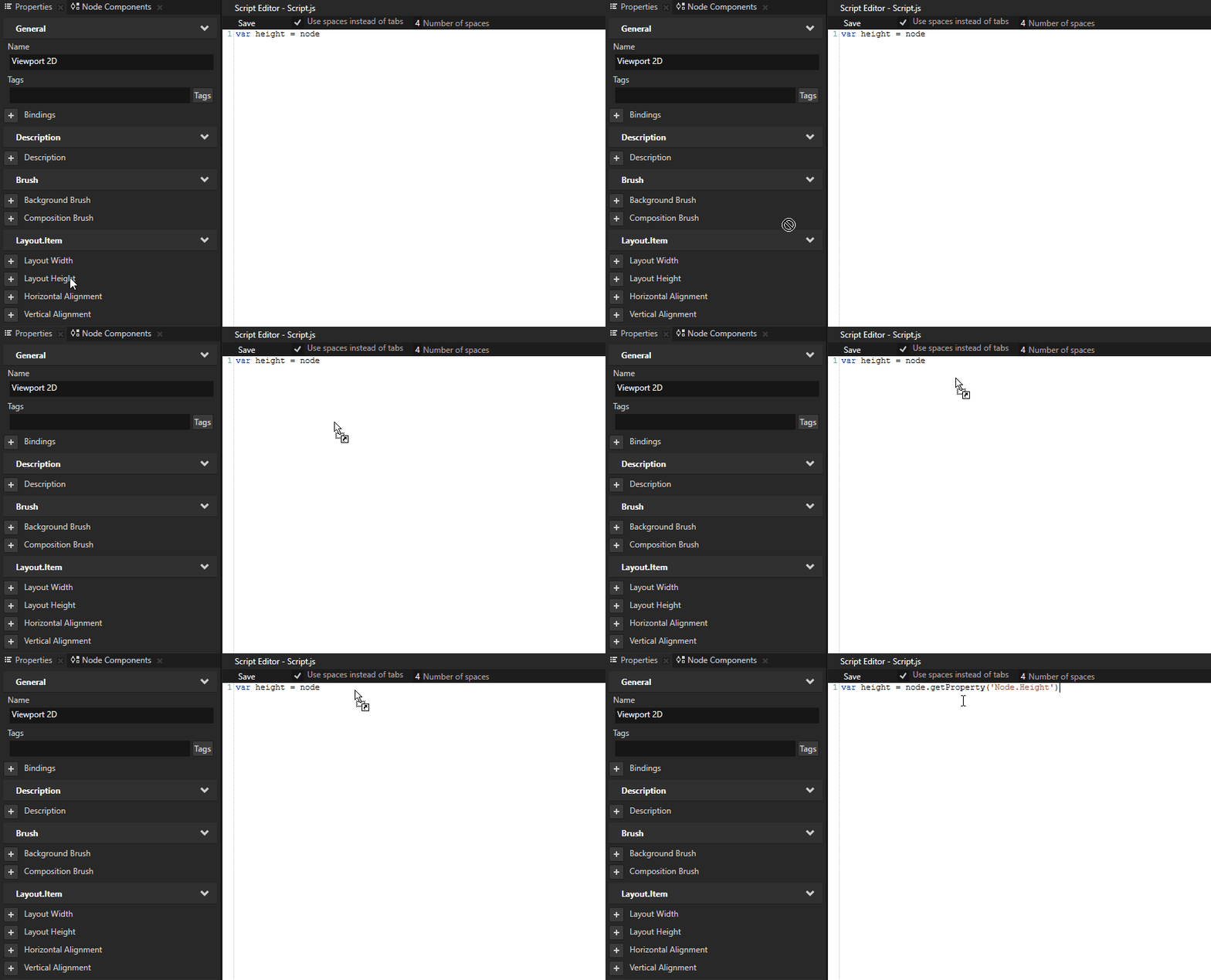
You can now add nodes and properties to JavaScript scripts without typing. Drag and drop nodes from the Project and properties from the Properties to a script in the Script Editor.
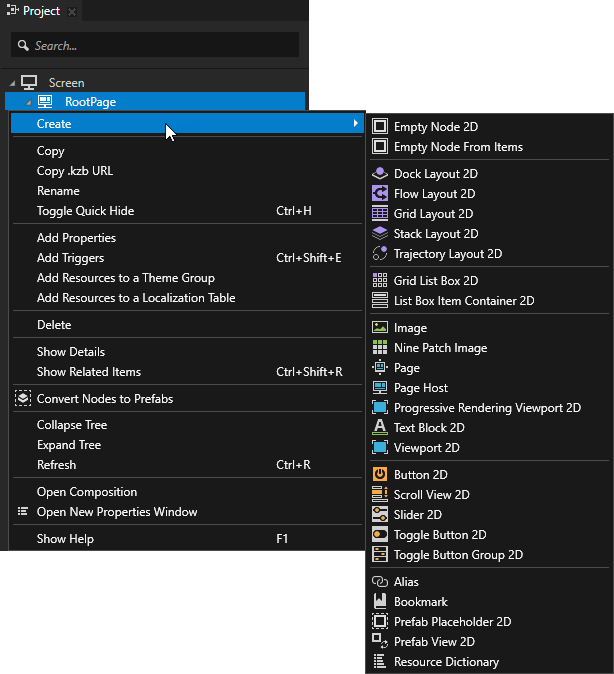
Reorganized the content of context menus to first show the most common commands.
You can now add a resource dictionary to a node in the Dictionaries window.
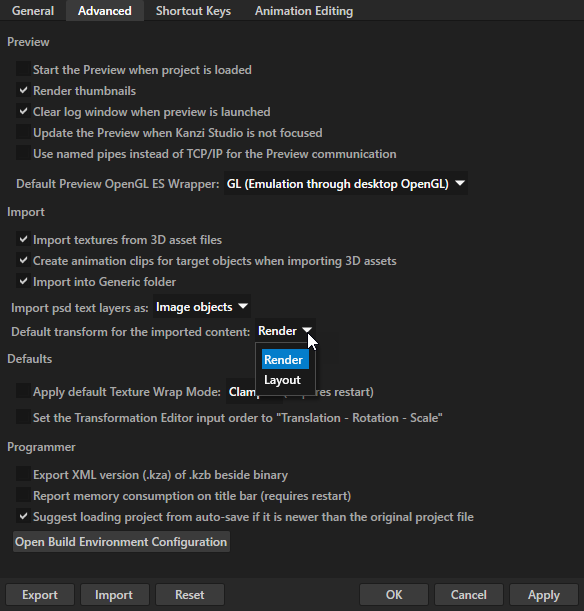
When you import 3D assets Kanzi Studio now uses Render Transformation by default. You can change this setting in the Edit > User Preferences > Advanced tab.
Added instructions on how to use map pixels on a texture to vertices on a 3D model. For example, you can use UVs to set the appearance of gauges. See Using 3D models with UVs.
Added instructions on how to set and clear focus for a UI element. See Focus.
Improved the documentation for the List Box nodes. See List Box nodes.
The List Box Item Container items which use a state manager to indicate a selected item in a Grid List Box node now work correctly.
When you rotate a Grid List Box 2D node, it now uses the correct scroll axis.
Fixed a memory leak which occurred when there is not enough space in a Text Block to show the characters set in the Overflow property.
Trajectory List Box 3D nodes now correctly show the centered item in the center of the trajectory.
Grid List Box nodes now correctly place the centered item in the center of the Grid List Box node.
Kanzi now applies the Looping property only to Trajectory List Box 3D nodes.
Kanzi now applies alpha when you import an image using the Kanzi Engine API.
Updating items in List Box nodes using data sources now works.
Fixed the issue which prevented Kanzi applications to start when you create a project outside of Kanzi workspace.
Kanzi applications running in the background on Android no longer terminate after you change the device screen orientation.
V8 library now works on QNX 7.0 aarch64.
Kanzi Studio now correctly imports the Focal Distance value for Camera nodes from .fbx files.
Transitions from * to any specific Page or Page Host node now work.
When importing .po files, Kanzi Studio now correctly uses the locale name specified in the .po file.
When you drag Factory Content from the Assets to the PreviewKanzi Studio now correctly adds the content to the RootPage node or the nearest selected Page or Page Host node.
When importing .fbx files Kanzi Studio no longer produces duplicate textures.
In Kanzi Studio you can now set fixed value condition for List Box messages.
Kanzi Studio no longer terminates when the content of a Text Block node is longer than 16 bits.
The Camera tool now takes into account the Render Transformation property of the Camera node it sets.
Page node transitions no longer change the resolution of the content on Page nodes to which you apply the transitions.
The Preview now correctly shows animations when you switch between compositions.
The Preview no longer terminates when you save a change to a style.
Improved the stability of Kanzi Studio and the Preview.